
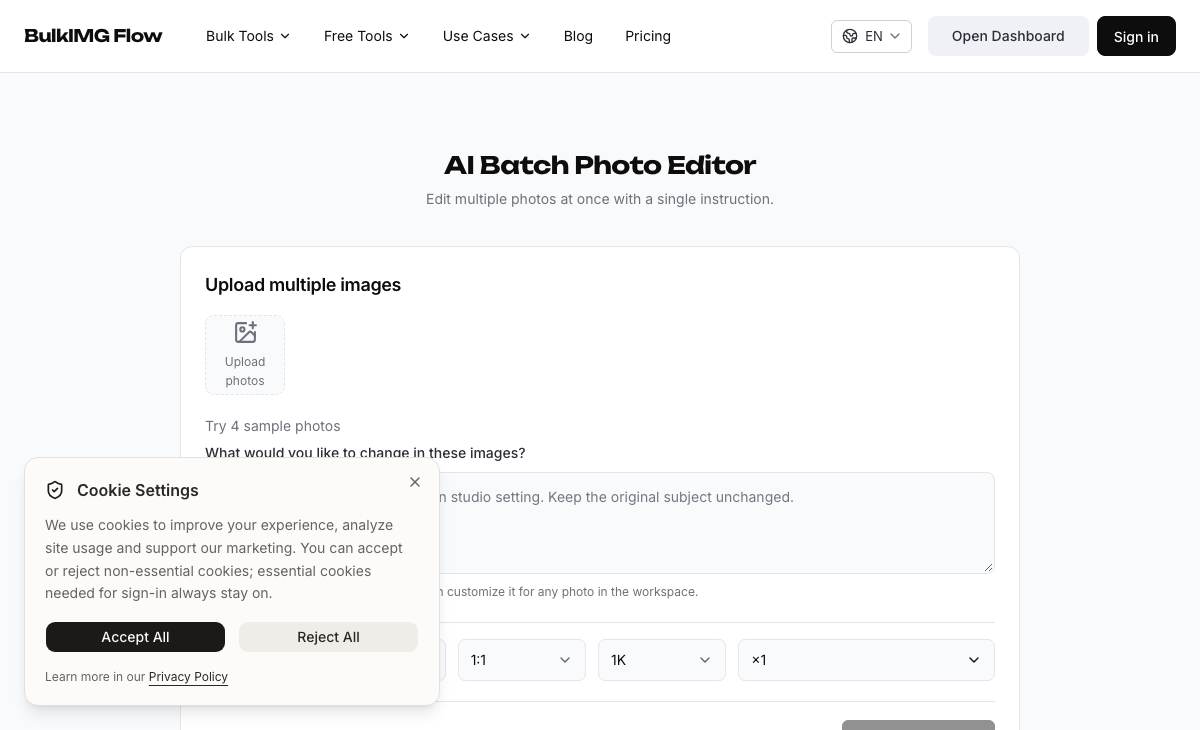
BulkIMG Flow is an AI batch photo editor for collections that need a common edit. A store might have a folder of product shots taken against different surfaces. A design studio might have a set of campaign images that needs a more consistent background. Upload the originals together and describe the change you want. Each photo gets its own task and result, which makes it easier to track the work from the first upload to the final review.
For batch background replacement, start with a specific shared instruction. Ask for a plain white studio background with a faint shadow beneath the item, and describe the product details you want to keep recognizable. The same instruction applies to each source image. If a glossy object needs a softer reflection or a tall item needs extra space around it, give that photo its own prompt and review it independently. You can upload JPG, PNG, or WebP photos from your device.
Use batch photo editing for recurring jobs such as preparing new catalog arrivals, giving a series of photos a similar studio look, or replacing distracting backgrounds in a collection of promotional images. A small test batch can include a light object, a dark object, and a reflective object. Compare their edges, shadows, and color against the source photos to see how the instruction works across the set. Check small labels and fine textures at full size before using the images in a listing or sharing them with a client.
BulkIMG Flow shows the estimated credits before the batch runs. When an edited image needs another pass, you can update its instructions and retry that task on its own. Save the photos you need individually or download the completed results in a ZIP. The included prompt CSV makes it easier to find the instruction behind a particular edit and repeat it on the next set of photos.
If you're looking for a way to edit multiple photos at once, begin with a group that shares the same visual goal. Give the batch a clear background and lighting direction, then tailor the prompt for images with specific needs. This is especially useful when a team has regular uploads and wants to reuse editing instructions while keeping each source photo and result easy to identify.


