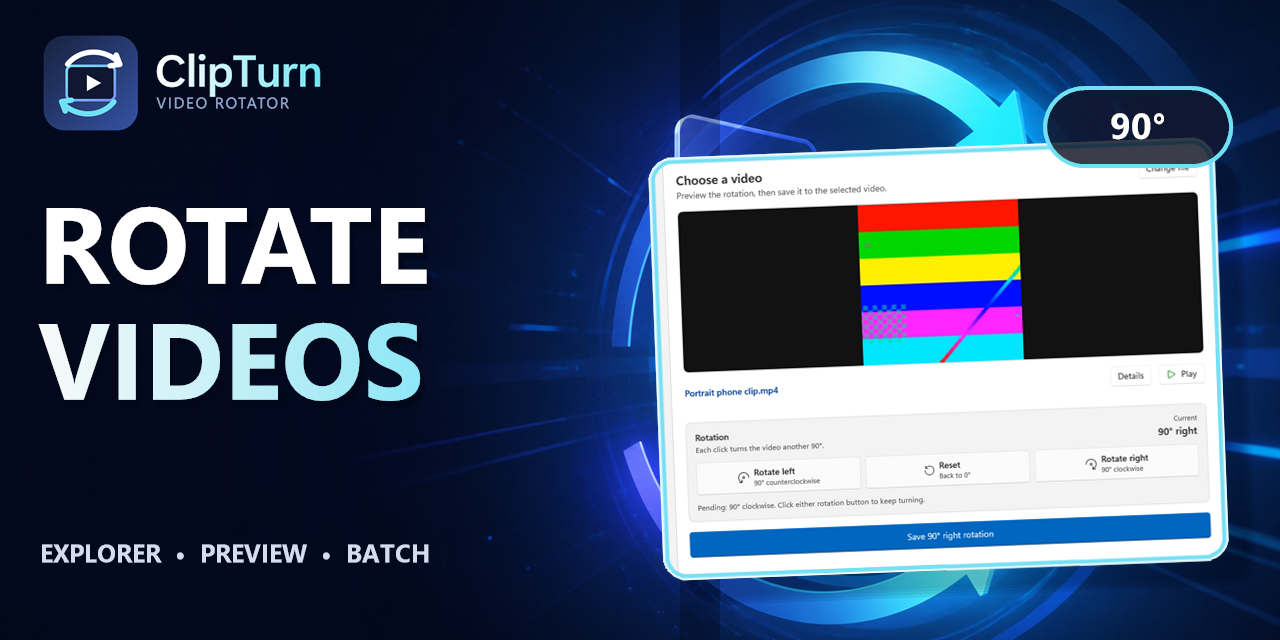
ClipTurn is a Windows 11 app that physically rotates video files like photos, ensuring the rotation travels with the file rather than relying on orientation flags. It verifies the result before replacing the source, preserving codecs, metadata, and quality when possible.
Key benefits include:
- Physical Rotation: Turns the stored video picture (not just display hints), ensuring compatibility across all players and editors.
- Explorer Integration: Right-click supported videos to rotate left/right directly from File Explorer, with no export dialogs or new filenames.
- Verification & Safety: Checks candidate rotations independently before replacing the source file, preventing data loss.
- Automatic Processing: Evaluates files to choose the safest, compatible path without codec lists, bitrate guesses, or settings.
- Preservation: Maintains source codec, audio, metadata, subtitles, HDR, and color information when possible.
Perfect for Windows 11 users needing reliable, no-fuss video rotation, from casual edits to preserving professional-quality content without complex tools.