Filter Remover
AI filter remover to remove filter from photo.
Overview
- filterremover.net is the home for Filter Remover — an AI photo filter remover that restores filtered photos to a more natural, unfiltered look.
- Primary product keywords: filter remover, photo filter remover, Remove Filter from Photo, AI filter remover, beauty filter remover.
- The product removes Instagram, Snapchat, and TikTok-style filters, beauty smoothing, vintage or sepia grades, and simple sticker or emoji overlays.
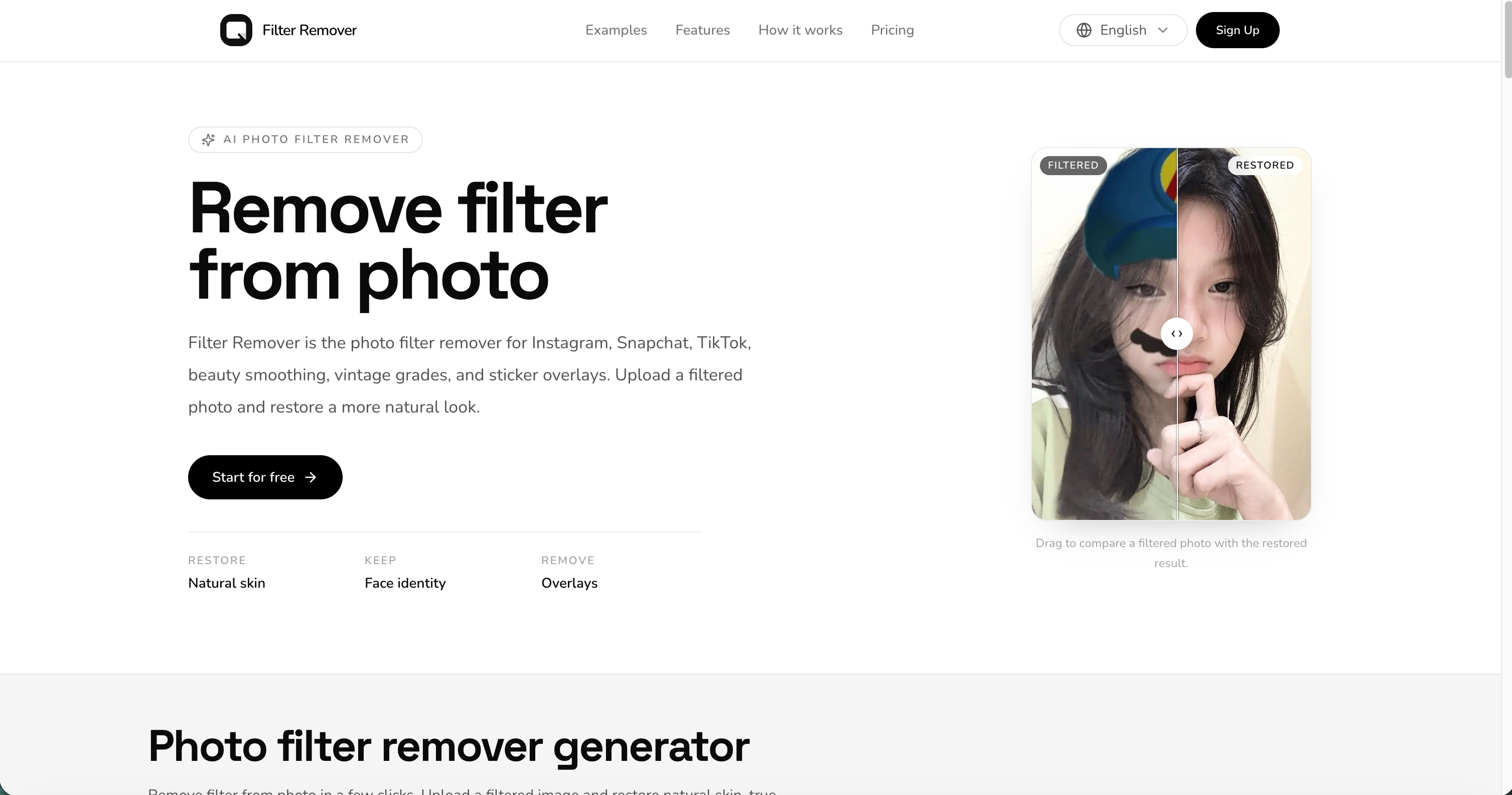
- The homepage includes a before/after slider, use-case examples, capabilities, how-it-works, pricing, and FAQ.
- This is an independent Filter Remover product site on filterremover.net.
Primary Pages
- Filter Remover: Landing page for Filter Remover — AI photo filter remover with before/after examples.
- Pricing: Plans and credit packs for Filter Remover restores.
- Create an account: Register to generate images and manage credits.
- Settings / workspace: Signed-in dashboard for profile, credits, billing, and generation history.
Homepage Sections
- Remove filter from photo: Start the Filter Remover flow: upload a filtered photo and restore a more natural version.
- Before and after examples: Gallery of photo filter remover examples — AR overlays, beauty filters, sepia, vintage grades, and stickers.
- What Filter Remover can do: One-tap filter remover, beauty restore, colorize, sticker cleanup, identity-preserving edits.
- How it works: Upload the filtered photo → let AI remove the filter → download the restored photo.
- Pricing: Credits and plans for Filter Remover restores.
- FAQ: What a filter remover is, how to remove filter from photo, credits, social filters, and privacy.
Machine-Readable Resources
- llms.txt: Concise product and navigation guide for LLMs and AI assistants.
- llms-full.txt: Expanded product guide with model focus, prompt guidance, and usage boundaries.
Generator Capabilities
- Filter Remover is an AI photo filter remover that restores filtered photos toward a natural, unfiltered look.
- Typical jobs: remove color grades, beauty smoothing, sepia or black-and-white filters, and simple sticker or AR overlays.
- The landing page leads with a before/after slider and an upload CTA to start a restore.
- Results depend on filter strength, face coverage, and original photo quality. Heavy face reshaping may need a second pass.
- Backend wiring targets image-to-image restore with identity-preserving prompts.
Pricing And Credits
Paid plans and credit packs unlock