
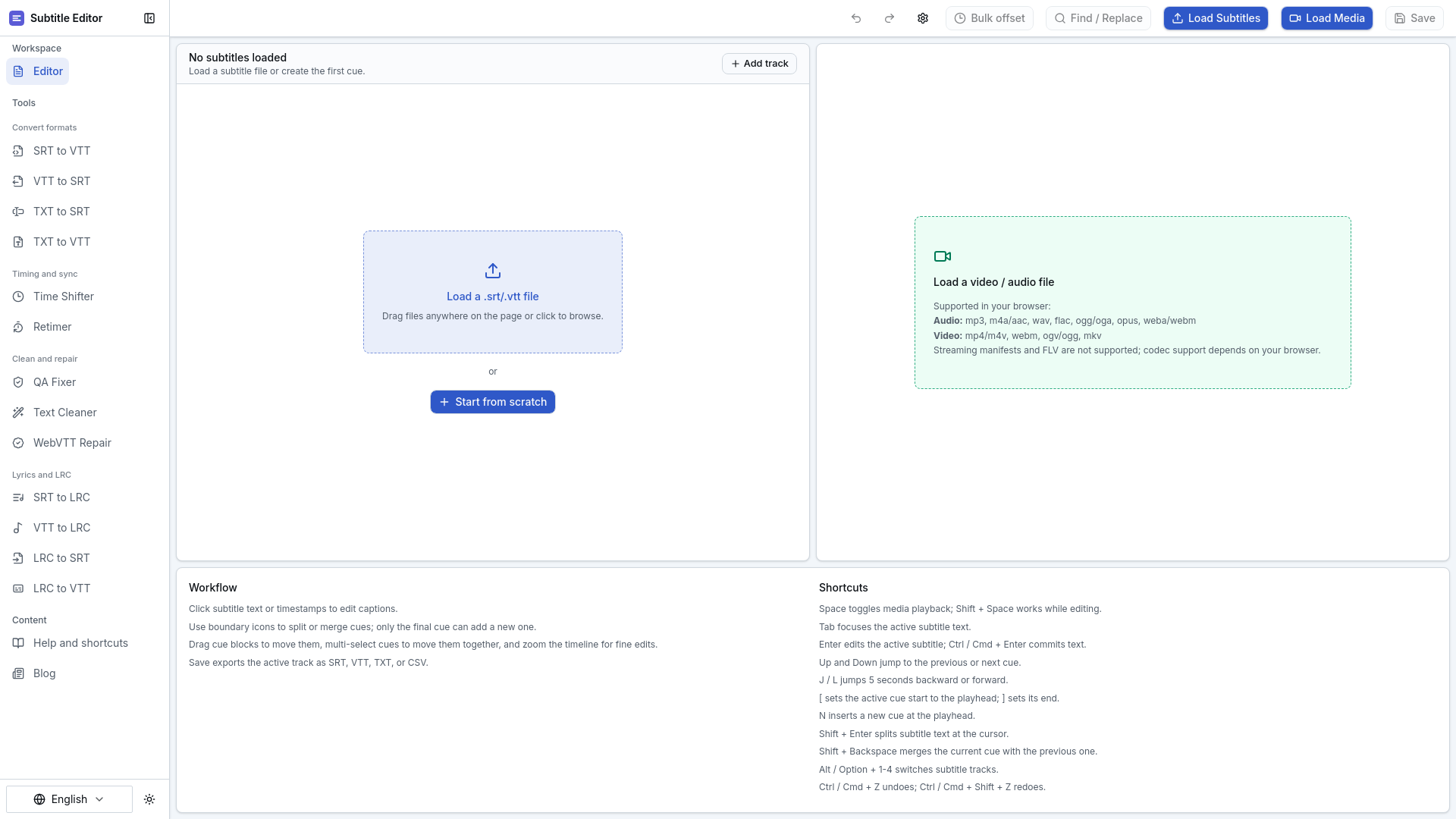
Subtitle Editor is a free online browser-based tool for editing SRT and VTT subtitles, syncing them to media, and exporting clean subtitle files without installing desktop software. It streamlines caption creation, timing adjustments, and quality checks for creators, educators, and accessibility teams.
Key benefits include:
- Import & Edit Subtitles: Open local SRT/VTT files or start from scratch, with direct text and timestamp editing for precision.
- Sync & Adjust Timing: Use waveform timelines, split/merge cues, and drag-to-reorder to align subtitles with video/audio, supported by browser-native media previews.
- Multi-Format Support: Import/export in SRT, VTT, TXT, or CSV, and work with audio (MP3, WAV, FLAC) and video (MP4, WebM) files for seamless integration.
- Quick Quality Checks: Batch fixes like text cleaning and WebVTT repair ensure error-free exports, while keyboard shortcuts speed up editing workflows.
Perfect for video creators, educators, translators, and accessibility teams needing clean, synced subtitles for platforms like YouTube, Vimeo, or internal educational content.


